Schedule Changes and Report Cards
Making schedule changes can impact report cards, We have listed a few tips to help you avoid problems.
- Whenever possible, plan schedule changes at the end of a marking period, Grading is easiest when the original teacher posts a grade before a student moves out of their class.
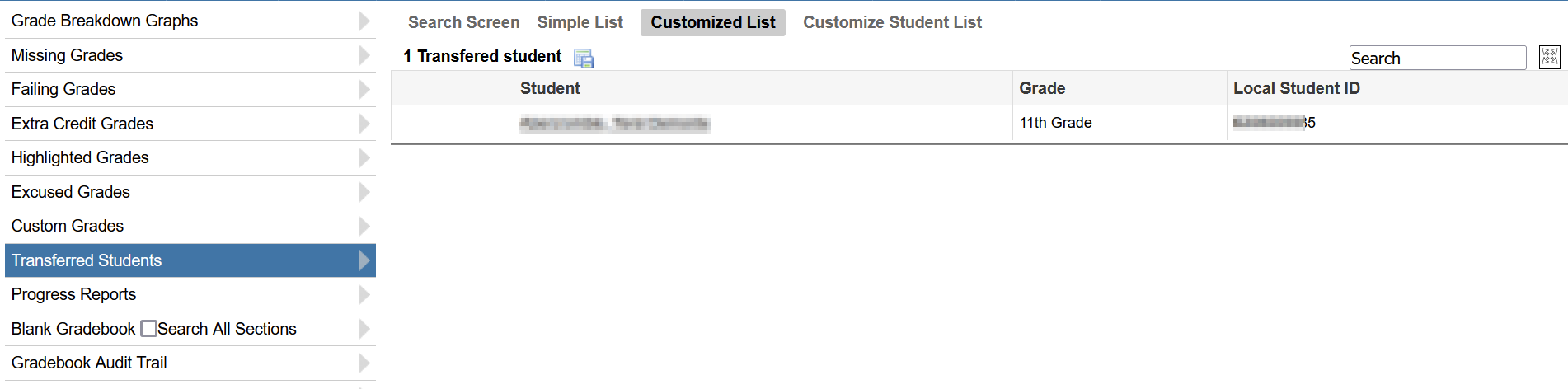
- If a schedule change is made in the middle of the marking period only one teacher should post grades for the student for that marking period. If the student is staying in the same course number but just moving periods or teachers we recommend that the receiving teacher uses the gradebook report called Transfer Students to determine their grade to date. They should then transfer that grade into their gradebook so that the work the student has done to date is incorporated into the quarter grade when posting is done.
- When a student has posted grades from different teachers in the same course for DIFFERENT marking periods the report card screen allows you to decide how those grades will display. You can sort the grades by course number, teacher or period.

- If a teacher is simply taking over another teachers schedule it is best to change the teacher name on the existing section rather than creating a whole new section. Just changing the name will trickle down to the student schedule and will not effect any grades already posted.